
Planning a Site: How to Organize and What the Steps
Summary (TL;DR)
In this post we will address the importance of site planning, how it affects user experience and business success.
A well done planning goes beyond visual aspects, considering essential steps such as setting clear objectives, creating user personas, analyzing competitors and developing a sitemap.
These practices help create a functional and attractive website, aligning the needs of the public with the company's goals, while avoiding rework and optimizing resources.
We will also explore how to implement effective strategies, such as creating an SEO plan, mapping the user journey and organizing the content of the main pages.
We will address the importance of a strong visual identity and a well-defined budget to ensure a more efficient process. A strategic planning is the basis for a website that converts visitors into customers and strengthens the digital presence of your business.
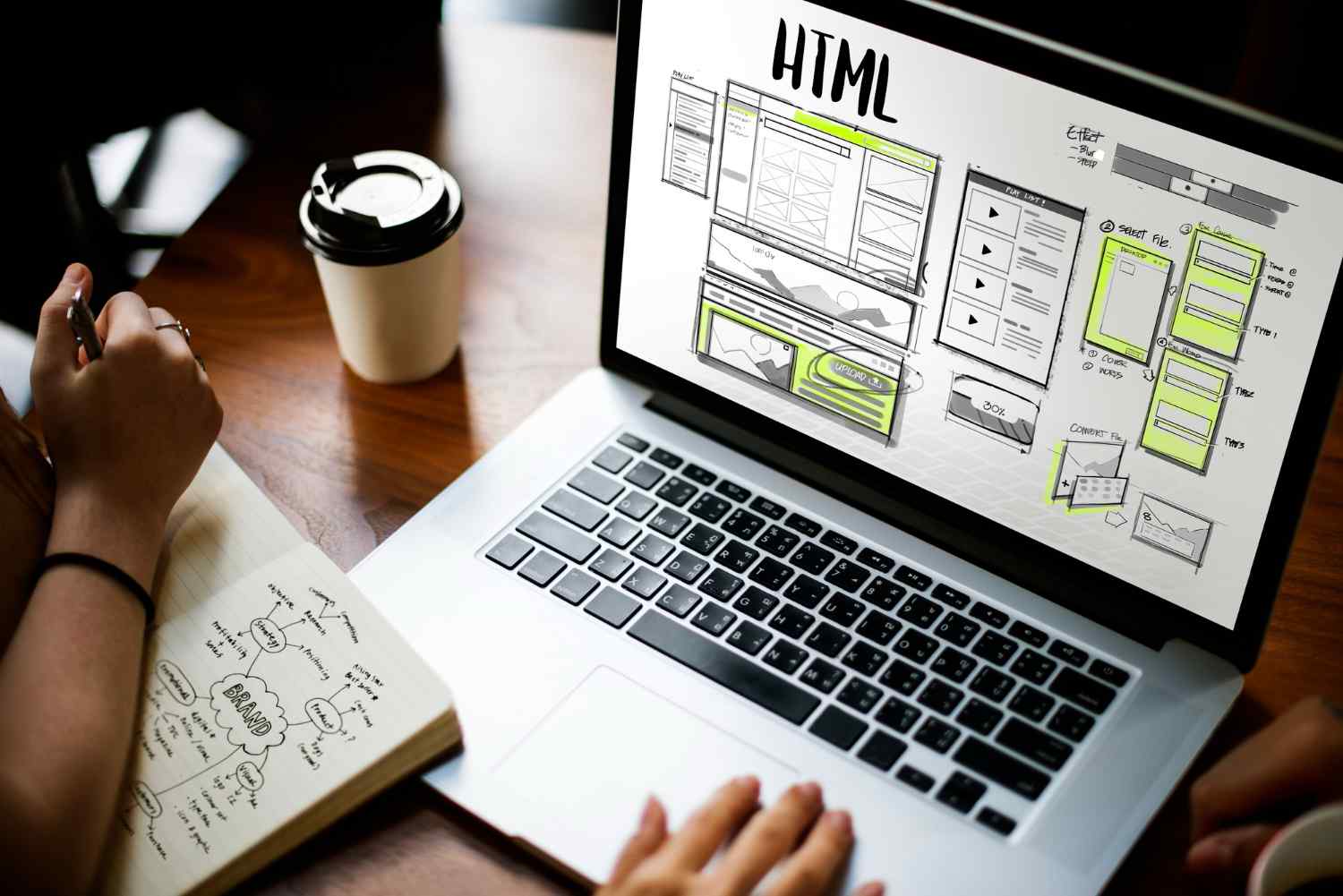
Quick answer: to plan a website, set goals and KPIs, meet the public (personas), analyze competitors, mount the SEO plan and sitemap, map the user journey, plan content, visual identity and budget. At WebSyd, custom-made websites depart from R$5,000 and are ready in about 45 business days; online stores take about 60 days.
The Book Design for PerformanceLara Callender Hogan cites a survey that 88% of online consumers are less likely to return to a website after a bad experience.
That's why it's worth investing time in planning: a slow, confusing or unproposed site loses customers, no matter how good the products are.
Planning a website goes far beyond choosing colors or design. It means mapping the journey of the user, understanding the needs of the target audience and aligning the goals of your brand with the right features.
With a clear and structured guide, you can create a page that converts visitors to customers and strengthens the digital presence of your business. Check out what are the most important stages of a site's planning!
What is site planning?
Planning a website is the process of building a script which guides the steps to create a website, from conception to final development.
It's a strategic moment, where they are defined objectives, identified the wishes of the target audience The Commission has adopted a proposal for project priorities.
With this, it is possible to create a well-structured guide for the design and the entire functioning of the site, ensuring that the end product meets both the expectations of users and the company's objectives.
In addition to avoiding costs and rework, good planning is essential to improve the organization of the site and facilitate the execution of each phase. It also helps align the teams involved, optimizing time and resources.
Without this process, the creation of a website runs the risk of resulting in a confused page, without clarity in purpose and mainly unable to generate a satisfactory experience.
If you want a functional site, visually attractive and with web accessibility for all audiences, planning is the key to success.
How to Plan a Website
A well-structured script makes the project clearer and also helps those who will take care of paid or organic traffic after launch. Look at the 10 steps.
1. Document Your Goals and KPIs
The first step to an effective website planning is detail your goals. . Why are you creating or redesigning the site?
Targets may vary, from attracting more visitors to increasing sales, but it is essential that they are well defined and measurable. Use SMART criterion to create objectives that are:
- Specific: have clarity about what you want to achieve;
- Measurable: define clear indicators to monitor progress;
- Achievable: set realistic targets according to available resources;
- Important: make sure that the goals are aligned to the purpose of the site;
- Opportunities: set deadlines for each objective.
Here are some examples of goals that a site can have:
- Increase organic traffic by 30% over the next six months;
- Increase engagement rate in GA4 to more than 60%;
- Generate 50 qualified leads per month;
- Raise the conversion rate by 20% by the end of the year.
After setting the targets, set the KPIs (Key Indicators) that will allow monitoring of progress. Here are some examples of KPIs:
- conversion rate;
- Average engagement time (GA4);
- origin of traffic (organic or paid);
- Number of pages visited per session.
With clear goals and well-defined metrics, you will be prepared to create successful strategies, ensuring that site planning is guided by concrete results.
2. Set Your User Personas
Understand who are the users of your site is essential to meet your needs and expectations. This begins with the creation of user personas, which are fictional but detailed representations of different profiles of your target audience.
When creating a persona, consider information such as:
- Demographic data: age, gender, marital status, level of education;
- Professional position: position, sector of activity and experience;
- Behavior: preferences, interests and challenges faced in daily life;
- Expectations: what they expect when visiting their website.
For example, imagine that you are developing a institutional website to a children's school. An example of persona would be:
Ana, 38, mother of two children. Ana is a financial analyst and seeks a quality children's school for her children. It values security, clear pedagogical methodology and a welcoming environment. Their expectations include objective information about the education offered, testimonies from other parents and facilities to schedule visits. Ana faces the challenge of reconciling work with the choice of the best school, and needs a website with direct information and easy navigation.
Creating personas allows you to see the site through your users' eyes and better understand your journey. This helps to align the site structure, content and design to the real needs of the public, ensuring a result that offers satisfactory value and experience.
3. Analyze Your Direct Competitors
Before you start developing your website, it's fundamental understand what your competitors are doing. . List from two to five of your top competitors and analyze the appearance of the site and the strategy behind it.
Note items like site map, key messages, content strategy and most prominent pages. Use tools to examine titles, meta descriptions and even tags image. A Ahrefs and Ubersuggest They're very efficient at this.
This analysis allows us to identify strengths and weaknesses of competitors. . For example, they may have an attractive design, but with a confusing navigation, or messages that connect well with the audience, but lack the site optimisation.
Some interesting questions:
- What makes their website stand out?
- What differentials do they offer in relation to my business?
Analyze what can be adapted to your brand and which strategies to avoid. The goal is to understand the scenario and create an advantage that meets the public and the objectives of the site.
4. Find Inspiring Websites
In addition to analyzing competitors, seek inspiration on sites you admire, regardless of the sector. A guide to creating site should include references that help shape your vision.
Evaluate sites known for innovative design, effective conversion funnels and exceptional user experiences. Here are some cool inspirations to broaden your horizons:
That's the MFIT Personal website, created by WebSyd. Note how all elements bring the information that the user needs in a simple way with a modern design.
Another example is our own website, it has very cool ideas for you to include in your project. See how structure, elements and design guide the user at all stages of the sales funnel:
When looking for references, look beyond the look. Note how the elements work to lead the user to a conversion, such as a registration or purchase. Evaluate typography, colors, images and messages, and reflect on how these components strengthen (or weaken) the brand.
For example, a site may have an attractive aesthetic, but its site structure It can make navigation difficult.
This analysis is essential to understand what works and what can be adapted to the identity of your brand.
5. Create an SEO Plan
One SEO plan well structured is fundamental for the success of your site, whether new or in redesign. Start with a keyword search using tools like SEMrush or Google Keyword Planner to identify relevant terms that your target audience uses.
Choose keywords strategic for the main pages, such as services, blog or landing pages, and ensure that they reflect users' search intentions.
This research not only helps to define the contents, but also directly influences the planning and development of a website. For example, by knowing what your audience is looking for, you can better organize the categories and pages on your sitemap.
For existing websites, do not forget to plan redirections to avoid losing traffic or compromising the current ranking in search engines.
A good SEO plan should include elements such as metadata:
- Internal links
- Backlink strategy;
- Continuous monitoring of metrics
Optimize a SEO site means to appear in the searches and also offer Relevant responses and a satisfactory experience for the user. Direct responses at the beginning of the pages also increase the chance of content being quoted in AI summaries, such as Google's AI Overviews.
6. Create a Sitemap
The creation of a sitemap is an essential step to define the structure of the site. It organizes how the pages will be presented, ensuring that navigation is logical and intuitive. This facilitates both site development and user experience, helping to avoid problems such as hidden pages or disorganization in the hierarchy.
A sitemap is also essential for designers and developers as it offers a clear view of the project's needs. It should reflect the organization of the site that best meets the target audience and business objectives.
For example, a Children's school can use a sitemap like this:
Home
About Us
- History
- Mission, Vision and Values
- Team
Courses
- Child Education
- Basic education
- Secondary education
Registration
- School Calendar
- Plates
Services
- Library
- School Transport
Blog
- News and Events
- Tips for Parents and Students
Contact
- Contact Form
- Location
This model can be adapted to different site types, but the main objective is to ensure clarity and accessibility for users and search engines.
7. Map User Journeys
Map user journey it is essential to create a fluid and efficient browsing experience. This journey represents the route that visitors follow on the site, from arrival to the realization of a conversion, whether buying a product, filling out a form or downloading a content.
To plan in a strategic way, it is important to understand the needs and intentions the user in each step, offering clear and intuitive ways for him to find the information he seeks.
In this context, the Call-to-Actions (CTAs), which are calls to actionThey play a very important role. They guide visitors through different pages and stages of the site, helping them access relevant content progressively.
Each page must contain Strategic CTAs, such as “Learn More”, “Buy Now” or “Agent a Query”, directing users according to their interests and increasing the chances of conversion.
Also consider the visual and navigational elements that facilitate moving between pages. A well-structured menu, breadcrumbs and internal links help to build a logical and pleasant flow.
8. Plan Main Pages Content
The success of a website begins with the content planning for the main pages. Before even thinking about designs or features, it is essential to outline the messages that will be transmitted in each part of the site.
The home page, for example, should immediately communicate the value your company offers, highlighting how it can meet the needs and expectations of the target audience.
Each page must contain clear and relevant information, structured logically. It is important to consider pain and desires from the target audience, presenting solutions that make their lives simpler and more satisfying.
In addition, CTAs should be planned to align with the conversion funnel steps. A button on the home page can direct the user to more details about their services, while a CTA on a product page can encourage purchase or direct contact.
9. Create a Visual Identity
One strong visual identity is essential for a cohesive and impacting site. Start by creating a brand style guide, which will serve as the basis for all design decisions. This guide shall include essential elements such as:
- Logos and variations: main, reduced and adapted versions for different platforms;
- Color palette: primary, secondary and complementary tones that reflect the essence of the brand;
- Typography: the choice of sources for titles, texts and additional elements;
- Iconography: custom or standardized icons that align to the site style;
- Image processing: filters, proportions and consistent formats for photos and graphics.
It is also important to detail in the design briefing which special elements you want to include on the site. For example, interactive modules, scrolling effects for a dynamic look, or custom forms to capture user information.
10. Set Your Budget
Determine the budget for the development of a website It is an essential step to avoid surprises during the process. The first thing to do is set the purpose of the site.
Will it be an institutional website to present your company, a space for selling products or a more complex portal with specific integrations? The purpose defines the technical requirements and, consequently, the costs.
From there, evaluate whether you need a custom design or a pre-ready model. Sites with custom design tend to be more expensive, but offer flexibility and exclusivity. The ready templatesLike the ones available in WordPress, they are more accessible and faster to implement.
Make a detailed list of essential features and features, such as integration with systems, member areas or blogs, to align cost expectations with your needs.
Finally, choose your CMS platform. Options like WordPress and Joomla vary in terms of cost and functionality. Before deciding, search and contact agencies or developers to discuss your ideas.
As a reference, at WebSyd, custom-made websites depart from R$5,000 and are ready in about 45 business days; online stores take about 60 days. The deadline begins after the approval of the planning, then arrive with defined goals, content and references accelerates delivery.
Errors Avoiding Planning a Website
Although the site creation be an exciting process, some common mistakes can compromise the success of the project. See the main mistakes to avoid:
- Ignore user persona search;
- Do not organize the contents of the pages;
- Complicated and unintuitive navigation;
- lack of visible and clear CTAs;
- Do not implement good SEO practices.
Planning the details before you start avoids these mistakes, and an experienced team makes the process simpler.
Planning a website with a Website Agency
Working with a professional agency brings numerous advantages, especially for those looking for a strategic and well-developed website. An agency can help with:
- Technical and creative experience: specialised professionals to transform their vision into reality;
- Custom strategy: in line with the objectives of your business and the needs of the target audience;
- Continuous support: from conception to site maintenance;
- Best practices: SEO implementation, design of responsive site and accessibility;
- Resource optimisation: saving time and avoiding common mistakes.
WebSyd specializes in the planning and development of custom websites, offering all the support needed to create a site that stands out and meets the demands of your market.
Final Considerations on the Planning of a Site
Planning a website requires steps that ensure a functional, attractive and efficient result. From setting targets to content creation strategic, every step is essential for success.
The main steps for the planning of a website are:
- Set goals and KPIs
- Create user personas
- Analyze direct competitors
- Seeking inspirations
- Elaborate an SEO plan
- Develop a sitemap
- Planning user journeys
- Organize the contents of the main pages
- Set a visual identity guide
- Establish a clear budget
With good planning, you can create a website that meets the needs of the public and generates concrete results for your business.
Do you want help planning and developing your website? Get a quote.
FREQUENTLY ASKED QUESTIONS
How to plan a website?
To plan a website, it is essential to start by defining clear and measurable objectives, understanding the target audience through personas and mapping user journeys. Then create a detailed script with steps such as competitor analysis, sitemap development, and elaboration of an SEO plan. Planning helps avoid rework and ensures that the site meets public expectations and business objectives.
What are the steps to build a website?
The steps to build a website include:
- Set goals and KPIs.
- Identify the target audience and create personas.
- Analyze direct competitors.
- Develop a sitemap to structure the navigation.
- Create an SEO plan and organize the content of the main pages.
- Establish a consistent visual identity.
- Ensure that design and features are aligned with the needs of the public and brand.
How to organize the structure of a website?
The organization of the structure of a website begins with the creation of a sitemap, which defines how pages will be organized in a logical and intuitive way. It is important to prioritize easy navigation, with clear menus, breadcrumbs and strategic CTAs. The hierarchy of pages should reflect the objectives of the site and the needs of users, ensuring that information is easily found.
How to generate a plan?
To generate effective planning, document the main goals, such as increasing traffic or improving conversion. Identify the target audience, set KPIs and analyze competitors. Use tools like site maps and personas to structure the information and align all elements with a clear script. Make sure planning includes SEO strategies, content organization and design.
How much does it cost and how long does it take to make a planned website?
Depends on the scope. At WebSyd, custom-made websites depart from R$5,000 and are ready in about 45 business days; online stores take about 60 days. Reaching with defined goals, content and references helps to meet the deadline.

Caio Nogueira is a SEO, GEO, link building and Digital PR expert and co-founder of WebSyd, website creation agency and SEO consulting founded in 2016. It acts with organic search strategies, digital authority construction and brand optimisation for search engines and artificial intelligence platforms. Throughout his trajectory, he participated in more than 1000 projects involving SEO, website development, content marketing and authority acquisition through backlinks and Digital PR. At WebSyd, it participates in the planning of strategies to increase organic visibility, lead generation and presence of companies on Google and AI-based search engines. As an author, it publishes content on SEO, GEO, website creation, link building and digital authority, sharing analyses, strategies and practical experiences related to organic growth of companies. Its contents and contributions have also been published in companies and vehicles of technology and marketing such as Wix, HostGator, Duda, Neil Patel, Locaweb and E-Commerce Brasil.
View all posts


 Estimate the cost

