
How to Create an EAD Site: Guide for 2026
Summary (TL;DR)
In this complete guide on how to build an EAD site in 2026, we address from the importance of online education and the advantages of an EAD site to the essential steps for its creation.
We included planning, platform choice, design and user experience, content development, essential features, testing and launch, as well as marketing and promotion strategies.
We also highlight the benefits for companies and how WebSyd can help you create an effective and personalised EAD site.
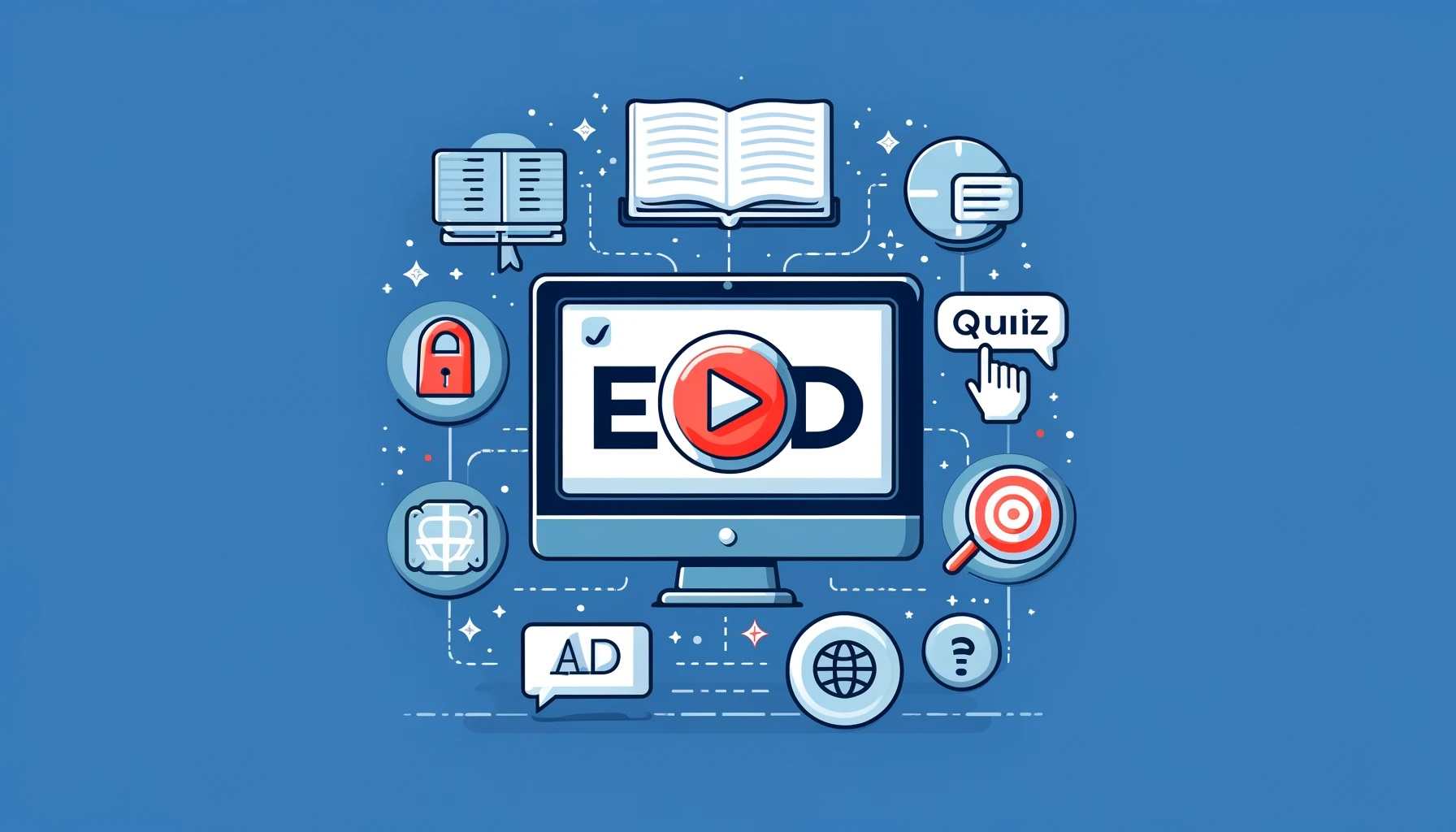
Quick answer: to create an EAD site, set the model (own courses, school or company), choose the platform (WordPress with LMS plugin, such as LearnDash or Tutor LMS, or a platform ready as Moodle), and ensure student area, payments, videos hosted off the server, certificates and good experience on mobile. Test with a small group of students before launch. At WebSyd, custom-made websites depart from R$5,000 and are ready in about 45 business days; online stores take about 60 days.
You work in the education sector and you need to know how to create a website EAD? So we can help you understand how it works.
With the advancement of technology and the popularization of the internet, online education has become a powerful tool for educational institutions and companies that seek to expand their reach and offer flexibility to their students.
A Distance Learning (DSE) website allows courses and training to be accessed from anywhere, anytime, providing a learning experience adapted to the needs of each user.
In this guide we will show you the essential steps to build a successful EAD site, exploring from the initial design to the launch and promotion of the platform.
Let's start this journey and figure out how to turn your idea into a reality that benefits both educators and students.
What is an EAD Site?
An EAD site is an online platform that offers courses and training, allowing students to learn remotely. These sites include features such as videos, texts, quizzes, discussion forums and evaluation tools.
A good EAD site should be intuitive, easy to navigate and accessible on different devices, providing a pleasant and efficient learning experience.
These platforms not only allow students to access content from anywhere, but also enable effective management of educational processes, such as registration, evaluation and performance monitoring.
The flexibility offered by EAD helps meet different learning styles, which is important to maximize engagement and knowledge retention.
Steps to Build an EAD Site
1. Planning and Research
Before you start, it is essential to understand the needs of your users and define their goals. This includes:
- Target Public IdentificationWho are your students? What are your needs and expectations?
- Course Definitions: What types of courses will you offer? Are they technical, academic, personal development courses?
- Competing Analysis: What are other platforms offering? How can you differentiate?
Elaborating a detailed plan that includes goals, schedules and budget is essential to ensure that all stages of the project are met successfully.
It is also important to conduct market research to identify emerging trends and demands, ensuring that your platform is aligned with the students' current expectations.
2. Platform Choice
There are several options to build an EAD site:
- WordPress with LMS Plugins: Provides flexibility and ease of use, with plugins like LearnDash and LifterLMS.
- Platforms Dedicated as Moodle: Ideal for large institutions, with advanced course management features and users.
- Custom Solutions: Developed from scratch to meet specific needs, offering greater customisation and control.
Each option has its advantages and disadvantages, and the choice should be based on your specific needs and available resources.
Also consider the scalability of the chosen platform, so that it can grow along with the demand for your courses.
3. User Design and Experience (UX)

The design of your EAD site should be attractive and easy to use. At WebSyd, we focus on:
- Intuitive Navigation: Structure the site so that users can easily find what they are looking for.
- Responsivity: Ensure that the responsive site works well on all devices, from desktops to smartphones.
- Attractive Design: Maintain a professional look that engages users and reflects the identity of your brand.
The UX should consider the user's journey from the moment he enters the site to the completion of a course, ensuring that each step is clear and without complications.
Elements such as fast loading time, logical menu structure and visible action calls are crucial to a positive user experience.
4. Content Developer
Content is the essence of your EAD site. Invest in the creation of high quality materials:
- Educational Videos: Produce clear and engaging video lessons that can be accessed at any time.
- Texts and Presentations: Create complementary materials that help strengthen learning, such as e-books and slide maker was going to, for an engaging experience.
- Quizzes and Reviews: Develop tools to assess students' progress, providing immediate feedback.
Quality content not only improves the student's experience, but also enhances the credibility of his platform.
It is important to regularly update the materials to keep content relevant and interesting for students.
5. Essential Features
To ensure a good learning experience, your EAD site should include:
- Course Management System: Tools for creating and managing courses, making it easier to add new content.
- User Management: Enable efficient management of students, instructors and administrators, including registration and tracking features.
- Communication and Support: Include forums, chats and technical support to quickly solve questions and problems.
- Gamification: Add game elements, such as dots and badges, to make learning more engaging and motivating.
Features like these are fundamental to keep students engaged and improve learning results.
An important detail is the ability to integrate with other useful tools. For example, you may need a tool for merge your PDFs online by making additional materials available to students.
These little details can improve the user experience and the efficiency of your platform. The choice of a good technology can make all the difference in the success of your project.
Analysis and reporting tools can help monitor students' progress and identify areas of improvement in the courses offered.
6. Test and Launch
Before launching your EAD site, you need to perform some tests of:
- Usability: Test the navigation and functionality of the site to ensure that everything is intuitive.
- Performance: Make sure the site loads quickly and works well, even with many simultaneous users.
- Beta Users Feedback: Invite a group of users to test the site and provide valuable feedback for final adjustments.
Performing detailed tests helps identify and correct problems before the website is made available to the general public.
Continuous testing after launch is important to ensure that the site remains functional and up-to-date.
7. Marketing and Promotion
After the release, promote your EAD website to attract students:
- SEO: Optimize the site for search engines to increase organic traffic.
- Social networks: Use platforms like Facebook, Instagram and LinkedIn to promote your courses and engage with potential students.
- E-mail Marketing: Keep in touch with your audience by sending updates on new courses and promotions.
Effective marketing strategies help build a solid student base and increase the visibility of your platform.
Consider partnerships with influencers and other institutions to further expand their reach.
Benefits of an EAD Site for Companies
Implementing an EAD site can bring numerous benefits such as:
- Staff Training: Centralizes and facilitates continuous training, saving time and resources.
- Zoom In: It allows you to reach students from anywhere in the world by expanding your business opportunities.
- Flexibility of Learning: It offers the possibility to learn at any time and anywhere, increasing convenience for students.
- Cost Reduction: Eliminates the need for physical sites and printed materials, reducing operational expenses.
A well-structured EAD site can increase knowledge retention and improve student performance by providing a more personalised learning experience tailored to your needs.
How WebSyd Can Help
At WebSyd, we have extensive experience in web design custom EAD professionals and platforms. Our goal is to help you create an EAD site that meets all your needs and offers a superior learning experience for your students.
Our process involves from customer needs analysis to site design, development, testing and launch, ensuring that each step is performed with the highest quality.
We also provide continuous support to ensure that your platform remains up-to-date and functional.
You want WebSyd support on this project?
FREQUENTLY ASKED QUESTIONS
What is EAD and how does it work?
E-learning, or distance learning (EAD), is the education offered through digital devices such as computers, tablets and smartphones. It allows students to learn from anywhere and at any time, progressing at their own pace without having to attend a physical classroom.
What are the advantages of creating an EAD site?
The advantages include flexibility of time and location for students, cost reduction compared to traditional education, the possibility of offering a wide variety of courses, and the ability to reach a global audience with different languages and learning preferences.
What are the essential steps to build an EAD site?
Steps include validating your idea based on market data, defining niche and target audience, choosing a suitable business model (such as paid subscriptions or courses), implementing essential resources (such as student and teacher profiles, payment tools), choosing the development approach (personalised or ready) and engaging good educators to provide quality content.
Why is it important to engage good educators on an EAD platform?
Good educators ensure the quality of the content offered, increasing the credibility of the platform and attracting more students. Collaboration with universities and educational institutions can enrich the offer of courses and ensure that students receive a high-quality education.

Caio Nogueira is a SEO, GEO, link building and Digital PR expert and co-founder of WebSyd, website creation agency and SEO consulting founded in 2016. It acts with organic search strategies, digital authority construction and brand optimisation for search engines and artificial intelligence platforms. Throughout his trajectory, he participated in more than 1000 projects involving SEO, website development, content marketing and authority acquisition through backlinks and Digital PR. At WebSyd, it participates in the planning of strategies to increase organic visibility, lead generation and presence of companies on Google and AI-based search engines. As an author, it publishes content on SEO, GEO, website creation, link building and digital authority, sharing analyses, strategies and practical experiences related to organic growth of companies. Its contents and contributions have also been published in companies and vehicles of technology and marketing such as Wix, HostGator, Duda, Neil Patel, Locaweb and E-Commerce Brasil.
View all posts


 Estimate the cost

