
How to automate Chatbot capture of leads in WhatsApp
Summary (TL;DR)
In this content, we show how chatbots in WhatsApp can automate the capture and qualification of leads, organizing the service and forwarding more prepared contacts to the commercial team.
We also highlight integration with the site, using CTAs, landing pages and WhatsApp buttons to increase conversions. Check out all the details in the content below.
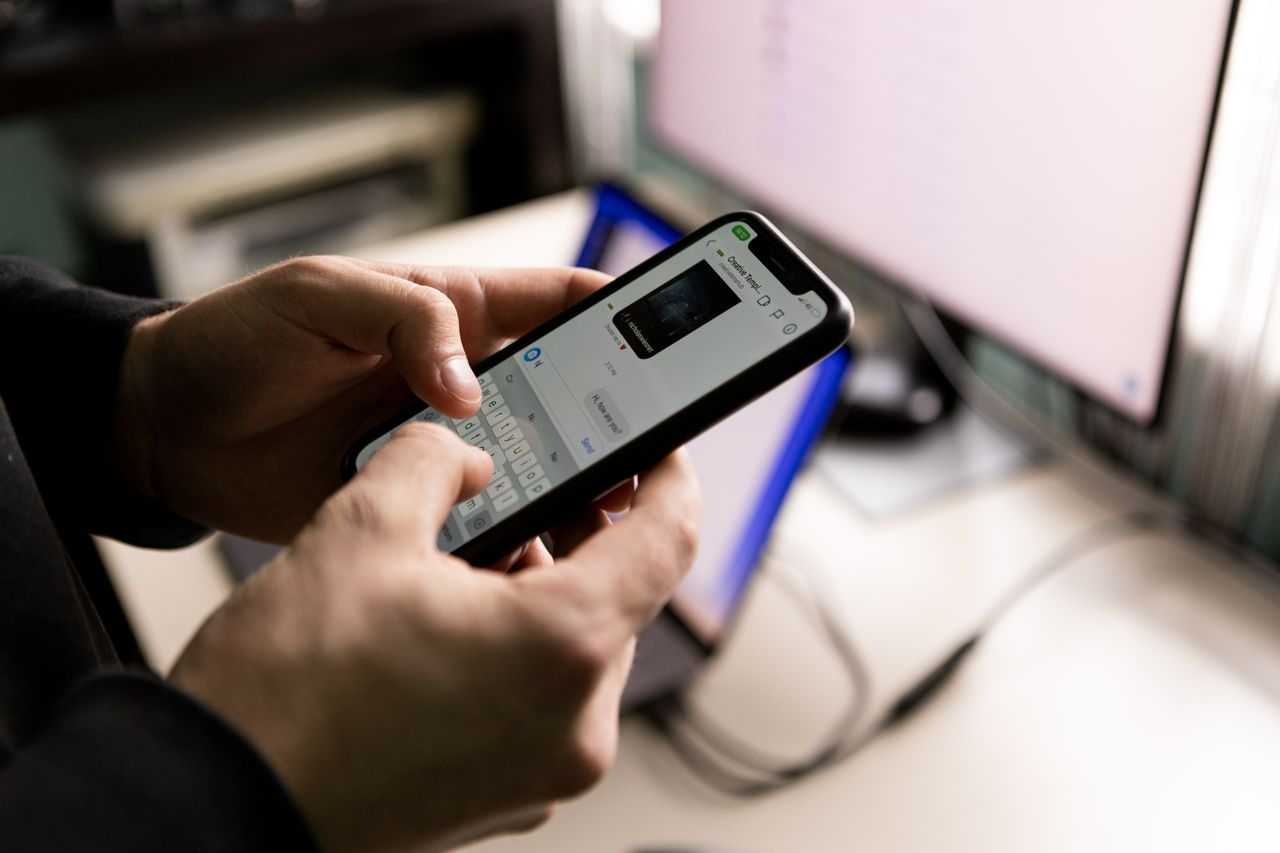
The capture of chatbot leads in WhatsApp is the automation of the first contact with those coming through the app: the flow of messages leads to conversation, asks the right questions and turns interest into an organized lead.
This automation speeds up the service, avoids unanswered contacts and delivers to the commercial team leads already screened and with relevant information. Thus, the company can meet more people without needing to increase the team.
When integrated into a professional website, this strategy can be even more efficient. WhatsApp buttons, action calls, forms and landing pages can direct visitors to specific service streams, allowing chatbot to even identify which page, service or campaign that potential customer has arrived from.
Many companies lose sales opportunities for a simple reason: they cannot respond in time to the messages that arrive at WhatsApp. It is precisely this problem that capturing chatbot leads in WhatsApp helps to resolve. Instead of relying on someone available all the time, the company starts to rely on an automatic flow that receives, organizes and qualifies each contact 24 hours a day, 7 days a week.
The process can begin long before the first message. A site developed with focus on lead generation can strategically distribute buttons and CTAs for WhatsApp on service pages, landing pages, blog content and other areas with greater commercial intent. Thus, the visitor finds a clear way to start a conversation at the moment he shows interest.
Throughout this article, you will understand how this type of automation works in practice and how to take the first steps, even if you have never used a chatbot and do not have technical knowledge in programming. Shall we go?
Why WhatsApp has become the main lead capture channel
WhatsApp is one of the most widely used apps in Brazil and is part of the routine of virtually everyone. According to data shared by Statist, it reaches 93.9% of the country's online audience, ahead of any other platform analyzed.
In addition to being present in the daily lives of Brazilians, WhatsApp is a channel where messages tend to receive a lot of attention. While other means of communication may require the user to access a platform or consult its inbox, the conversation via the application takes place in an environment that it already uses daily.
All this shows that, on the client's side, preference is clear. When a question arises or the interest in a product or service, many people prefer to send a quick message and resolve it on time rather than filling out a form and waiting hours for an email return. It is the same logic used to talk with friends and family, now applied to contact with brands.
No wonder, according to the Opinion Box, 82% of users have already communicated with companies by WhatsApp and 69% consider it a great channel for this. In other words, the client is not only in the application, but also used to using it to contact companies.
In this scenario, the site plays an important role as a point of origin of these conversations. A person can find the company on Google, access a service page, analyze information, cases, differentials and prices and, when ready to move forward, click on a WhatsApp button.
Therefore, in projects of web design, it is not enough simply to add a floating WhatsApp icon in the corner of the page. It is possible to work different calls for action according to the visitor's context. On a service page, for example, the button can direct to a flow related to that solution. On a campaign landing page, the conversation can start with specific questions about that offer.
For companies, this is where the opportunity and challenge lie. The more people arrive through WhatsApp, the more messages accumulate: budget requests, questions, information and commercial requests. Without any organization or automation, this volume of conversations becomes a bottleneck, and good contacts may end up cooling down due to lack of an answer in time.
How to capture leads with chatbot in WhatsApp in practice
The capture of chatbot leads in WhatsApp works from an automated stream. When someone sends the first message, chatbot takes over the conversation, asks some qualifying questions, such as name, what one seeks and, depending on business, budget or region, and delivers this already organized contact to the sales team.
When access to WhatsApp happens through the site, the flow can also be thought according to the visitor's origin. A company that offers various services, for example, can use different buttons to start conversations related to each solution. This reduces steps and allows chatbot to start the service already knowing what is the interest of that potential client.
Here it is worth separating two concepts that are usually confused: automated care and automated lead capture. The first serves to answer questions and resolve simple requests. The second one has another objective: to identify who arrives, understand their needs and organize this information for the commercial team.
In both cases, chatbot does not completely replace the support or sales team. He triages contacts, allowing the service team to focus on more complex doubts and the commercial team prioritizes clients who are already prepared to advance the purchase journey.
Lead capture steps
Since our focus here is the lead capture flow, let's dig deeper into it. Know the following four steps:
- Inlet trigger: the user is directed to conversation in the application from an ad, a link on bio, a QR code or a button strategically inserted into the site. Services pages, landing pages, budget pages and blog content can work as different entry points;
- Welcome and qualifying question: the chatbot receives the person and asks the first question to understand their need. When there is integration with the site or specific links, this message can also be adapted to the context of the accessed page;
- Routing: based on the response, chatbot directs the conversation to a schedule of scheduling, product catalogue, budget request, specific website page or human service queue;
- Lead log: the information collected is saved automatically in a contact list or CRM, so that no contact gets lost after conversation.
It is this chain that transforms a simple exchange of messages into an organized and predictable process, in which each contact is received, qualified and registered without relying on someone available at all times.
A well-structured website complements this process because it helps qualify the visitor before even the conversation begins. Clear information about services, differentials, frequent doubts, cases and other trusted elements reduces basic questions and causes many users to arrive at WhatsApp in a more advanced step of the decision.
The elements that every capture stream needs to have
It's not enough to turn on a chatbot and wait for him to pick up leads by himself. An efficient capture flow brings together some elements that make conversation natural, useful and able to lead each contact to the next step. Here are the main ones:
- Natural language: the flow needs to sound fluid. Direct messages, in conversation tone and aligned to the company's communication make interaction more enjoyable and leave the customer at ease to continue responding;
- One or two clear qualification questions: few objective questions are enough to understand who the person is and what he needs. Thus, the lead advances through the flow easily and the team receives the really useful information to give sequence;
- Option to talk to a human at any time: to be able to call an attendant when you want to pass on trust to the customer and shows that there is a team available when the conversation requires more personalised service;
- Integration with a list of contacts or CRM: connect chatbot to a list or a CRM ensures that each qualified contact is registered and organized, available for the team to continue at the right time;
- Integration with the site: buttons, CTAs and links need to be positioned at the points where the visitor demonstrates greater intention of contact. In addition, using specific links to different pages or services allows you to identify the origin of the lead and create more contextualized conversations;
- Next well-defined step: After qualification, the lead needs to know exactly what to do. Requesting a budget, talking to a consultant, scheduling a meeting or accessing a website page are examples of paths that can be presented by chatbot itself.
With these elements, the flow starts to function as a real gateway for new customers, connecting site, WhatsApp, automation and commercial team on the same journey.
Common errors when automating lead capture
Automating capture helps, but some common slips can make the flow work against you, driving away just the contacts that it should capture. Stay tuned for the main ones:
- Too long streams: the customer sends the first interested message, but the chatbot triggers an endless sequence of questions before delivering any answers. In the middle of the road, one loses patience and disappears. And the lead gets lost before it's even qualified;
- Not offering the option to talk to a human: the visitor has a specific question that does not fit into any menu option. Without a path to human care, he keeps going around in the flow, frustrates and gives up. Often, it is just a contact with high purchase intent that ends up escaping;
- Do not integrate chatbot to anything: the lead responds to everything, informs name, need and budget, but this information does not go anywhere. No one is told, no one gives a sequence, and contact cools down in a conversation that had no continuity. It is one of the most costly mistakes, because interest already existed;
- Treat chatbot as a simple “all-in”: when automation is used only to deliver ready answers, without connection with the commercial process, it becomes a message centre. The potential to qualify and forward those who are ready to buy is lost, and the chatbot ceases to contribute effectively to sales;
- Add WhatsApp to the site without strategy: putting the same button on all pages may work, but it wastes possibilities of contextualization. A visitor who is reading about web design has a different intention of who is on a SEO page, for example. Specific links and messages help chatbot understand this context from the beginning;
- Create a good stream on a site that doesn't convert: chatbot acts after the visitor decides to start a conversation. Before that, the site needs to convey trust, present services clearly and lead the user to an action. Navigation problems, slowness, unclear pages or poorly positioned CTAs can reduce the number of people arriving at WhatsApp, regardless of the quality of automation.
Therefore, chatbot and site should not be treated as isolated strategies. A project of creation of conversion-oriented site can prepare the visitor, present the solution and arouse interest. Automation at WhatsApp enters the next step, receiving this potential client, collecting information and forwarding the opportunity to the commercial team.
Avoiding these errors is what separates a flow that only responds messages from a structure capable of turning site visitors and conversations into WhatsApp into real sales opportunities.
How to Choose a Chatbot Tool for WhatsApp
The good news is that mounting a capture stream like this doesn't require programming. Today, the platforms of marketing automation with chatbot creators allow to assemble streams of conversations in visual editors: you drag and connect the blocks without writing a line of code. Thus, even those who do not have a technical profile can put a flow in the air.
When choosing, it is worth observing, in addition to the ease of use of the editor, the following points: if there is the possibility of integrating chatbot into your other channels and systems, so that no contact gets lost after the conversation, and if the tool is an official provider of the WhatsApp Business API, which keeps its operation within Meta rules.
Platforms such as SendPulse, for example, bring together these characteristics. With the Chatbot creator for WhatsApp, you can mount all the flow in a visual editor without code. Here are some features of this tool:
- It is an AI-oriented digital marketing platform that links e-mail and chatbot to WhatsApp with CRM as a connection layer;
- Includes chatbots for WhatsApp, Instagram, Facebook, Telegram, TikTok and websites;
- It has a free plan for companies ready to climb.
How to automate the capture of leads with chatbot and WhatsApp – Guest post – Images
Chatbot SendPulse Platform for WhatsApp
Still, SendPulse is just one example of various market options. The ideal is to evaluate which tool fits the size, budget and routine of your business before deciding.
How to know if automation is working
After the flow goes into the air, the work doesn't end. Start the follow-up phase.
Some simple indicators already show if the capture is on the right path: the response rate (how many people who start the conversation follow until the end), the average time to qualification (how much the flow takes to understand what the lead needs) and, especially, how many qualified leads actually saw a conversation with the sales team. The latter is the number that links automation to what really matters: new business opportunities.
It is also worth remembering that automation is not “set up once and forget”. Customers' habits change, the most frequent doubts change and business itself evolves. Therefore, reviewing the flow is what keeps capture sharp over time.
Automate your lead capture
Automating lead capture in WhatsApp does not mean exchanging human contact with a robot, but organizing the conversation. The chatbot receives who arrives, asks the right questions and delivers to the sales team an already qualified lead, so that no contact gets lost and every opportunity has continuity. The human touch is still there, only reserved for the moment when it makes the most difference.
Before mounting any flow, it is worth looking at your own service: what part of the conversation could happen alone without relying on someone available all the time? The answer shows exactly where automation can help first.
And if you want to understand better how a chatbot is structured from scratch, it's worth seeing this WebSyd material about professional chatbot development.
You want a website that manages contacts? Get a quote.
FREQUENTLY ASKED QUESTIONS
What is Chatbot lead capture in WhatsApp?
It is the use of an automated flow to receive contacts, ask qualification questions and forward information to the commercial team.
Can chatbot replace human service?
Nope. Chatbot helps mainly in triage and in the most repetitive stages, while human care remains important in more complex doubts and negotiations.
Is it possible to integrate WhatsApp chatbot into the site?
Yeah. Buttons, CTAs and landing pages can direct the visitor to specific flows in WhatsApp, according to the page or service accessed.
What information can chatbot collect?
Depending on the business, you can collect data such as name, service of interest, region, budget, company size and other useful information to qualify the lead.
How do you know if automation is generating results?
Some important indicators are flow completion rate, amount of qualified leads, time to qualification and number of contacts that advance into a commercial conversation.

Lucas Pelisari has specialised in SEO and content at WebSyd for more than 6 years, working on the creation and optimisation of digital strategies focused on lead generation and organic growth. With experience in website development projects, SEO on-page and link building, he works directly on structuring content and pages aimed at positioning on Google and acquiring qualified traffic. Throughout his work, he has participated in projects for companies such as Kommo, Aldanth, Physical Care, In4, Design.com, Adaptive, Clipto and Yesim, as well as several other clients attended by WebSyd. Its contents address topics such as creating professional sites, SEO, page structure, performance, user experience and digital growth strategies, always with a practical approach based on real market scenarios.
View all posts

 Estimate the cost

