
How to use CRM for the management of your site's leads?
Summary (TL;DR)
In this post, we talk about the importance of investing in creating a professional website and attracting traffic, highlighting that these efforts are useless if generated leads are not managed properly.
Intelligent management of leads, maintaining a good relationship with them, is essential for the maintenance of the public.
Customer Relationship Manager (CRM) software is a valuable tool that helps develop a complete lead management strategy, covering sales, marketing and customer relationship.
We explain the evolution of CRM, its practical benefits, and offer tips on how to use it to capture and manage leads effectively, ensuring that interactions with customers are well organized and productive.
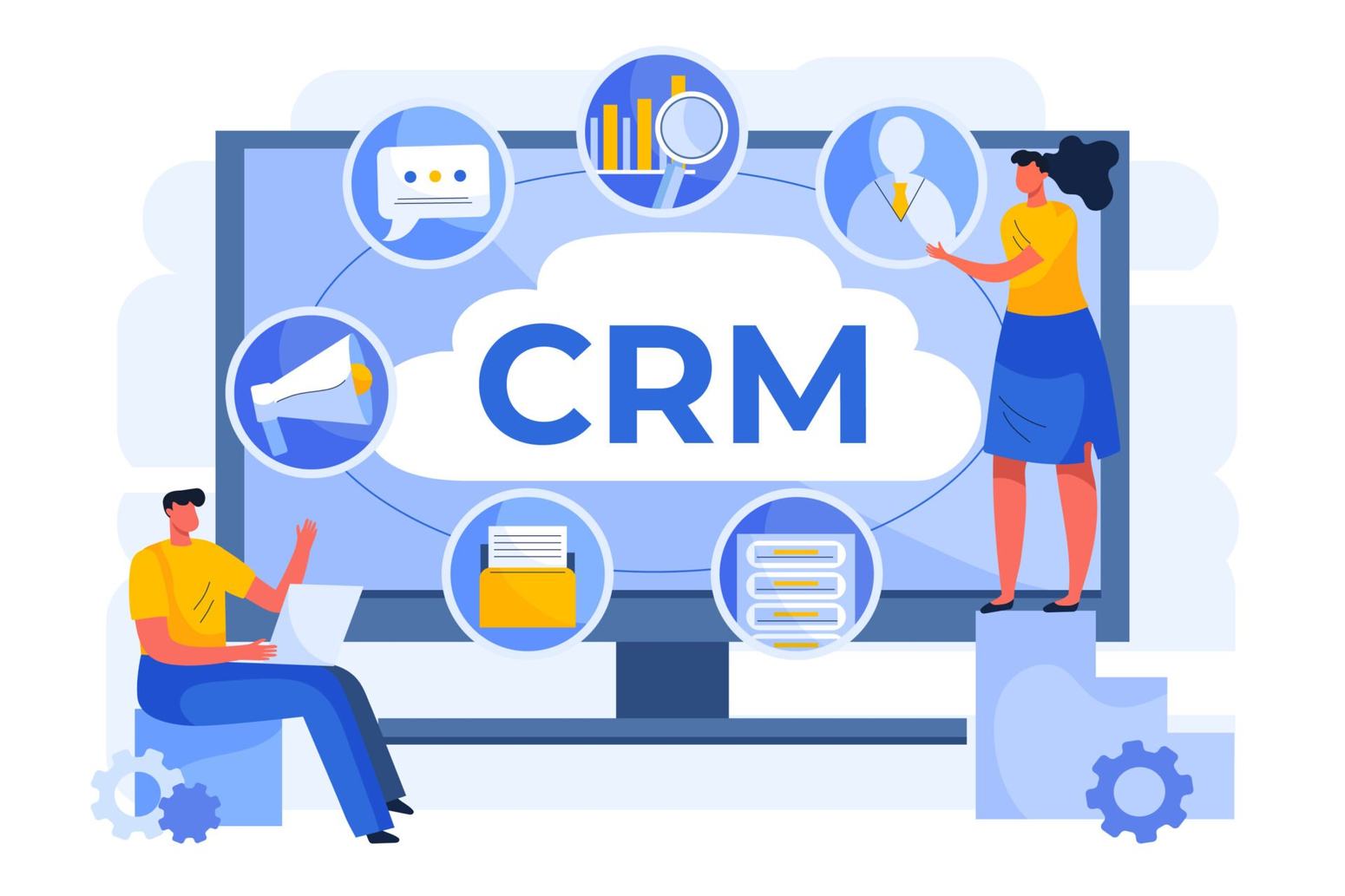
Quick answer: to use CRM in the management of the site leads, integrate forms, chat and WhatsApp to CRM (by native integration, API or webhook), register the origin of each lead, set funnel steps and follow-up tasks with time, and collect the consent required by LGPD. So no contact is left unanswered.
Investing in creation of a professional website and attract traffic is only half the work: if the leads are not contacted with cadence, the effort is lost.
The smart management of these leads, that is, keep a good relationship with them, is what best a company can do to ensure the maintenance of their audience. In order to help with this task, solutions that assist the market are not simple. develop a comprehensive management strategy, as is the case of software Customer Relationship Management (CRM) for the management of the leads of the site.
When you talk about CRM and customer relationship, it is common for many managers to think that the tool is just a support for the commercial team.
Used correctly by the company, the software has all its potential extracted and becomes a powerful ally for complete management in sales, marketing and customer relationship.
If you want to learn once and for all how to use the CRM for the management of the leads of your website and understand how the correct application of technology brings good results to your business, keep following this content. Good reading!
When did the CRM come in?
Finding out how to make it possible to relate better to customers is a question that permeates the actions of any brand. O main resource to understand the tastes and desires of consumers is the information they transmit in each online publication or in the direct contacts they have with a company. Today it seems much simpler to collect these dataBut it wasn't always like that.
Imagine that by the mid 1950 ’ s companies did not rely on digitized computers or spreadsheets to store information about their audience. Everything was recorded in paper and pen, hoarding folders and more file folders that took time to be updated due to the time (and patience) the task required.
This problem, over the following decades, began to be studied further in order to find an effective solution to compile useful information on consumers.
It was only in the 1990s that, thanks to the expansion of the concept of database marketing, the simplest tasks, such as data storage, began to be automated.
That was given the name of Sales Force Automation (SFA). . The SFAs promptly became a solution for companies, since could convert leads and automate marketing campaigns at never seen speed until then.
From the SFAs came CRM (Customer Relationship Management, or customer relationship management).
What is CRM?

The CRM software is a technological solution for companies, which aims to help build a strategy that encompasses various business tactics in order to manage and improve the relationship of a brand with its customers.
The CRM is responsible for filtering and organizing information on the public, ensuring that content is well-based for the strategic sector of business.
Understanding the needs of customers is the gateway to understand what your wishes are and how the company may awaken in them the desire to purchase a product or service.
With the help of CRM, the manager has available data that contribute to anticipate the actions of customers and thus get ahead of the competition in search of qualified leads.
Using CRM for the management of your site's leads is a strategy that is directly linked to the acquisition of new customers and, consequently, increased sales and cash flow of the company. It's about offering what the consumer needs when he needs it.
For this, data storage is essential because it ensures up-to-date information about:
- Daily customer activities on your website;
- Number of times the consumer has already contacted the company, regardless of why;
- How many visits the user made to your site (by day, month, quarter, etc);
- If you have already provided an e-mail address for contact;
- How many phone interactions have there been;
- general data;
- requests for budgets;
- Amongst others.
What are the benefits of having a CRM?
Now that you know more about the history of CRM and how it is fundamental to the good management of the relationship between a company and its audience, you must be wondering what benefits in practice exist.
Therefore, below are listed the main advantages of relying on this software.
- Optimizes company resources with lead capture and information management;
- Provides greater management power over all collected data;
- Improves communication between the team of all sectors directly linked to customer relationship, such as commercial and marketing;
- Boosts and ensures the good relationship with the qualified leads your company already owns;
- Allows more time control over tasks;
- Creation of tasks for the follow up;
- Greater control over proposals and surveys;
- More control over sales.
When we talk about CRM, there are two key points that need to be understood as main objectives: the strengthening of the relationship between the brand and its consumers; and loyalty to the public through a strategy of automation of processes and services.
The benefits listed above are proof that, as a result of the good use of CRM, the customer, whenever seeking a new negotiation for the product in question, will think of his company first, all thanks to the experience provided to him.
How to use CRM for the management of your website leads?

How to use CRM to manage the leads from your website it will depend on a number of factors, such as the amount of users who visit any of the pages and how often they do this.
Therefore, it is essential to develop a strategy that facilitates data storage and subsequent access by members of your team.
Learn, below, what are the key aspects for CRM to manage leads on your website.
Have a site that captures leads
The biggest raw material that a user can offer when visiting your website is to provide personal information for contact.
This will only be possible if your pages are aesthetically attractive and have content that adds real value to the visitor. There are four ways widely used to get the contacts of a lead, which are:
-
- _Other Organiser: form added on the pages with articles, no blog, offering information complementary to the subject discussed;
- Newsletter: is usually one of the most efficient means. It consists of offering the user the opportunity to be well informed about all the news of the company and the market where it operates. The capture of leads occurs by completing a shorter form, which usually requires only name and email address;
- Rich materials: can be e-books, infographics, checklists or other robust materials produced on some subject, with information in depth and that pass authority to the user. Rich materials are a great way to gain visibility and acquire lead contacts;
- Chat online: one of the secrets to win the attention and trust of users is to offer means to solve doubts as quickly as possible. O chat online, therefore, it has been a great tool to keep an open dialogue channel with visitors of the site and also get the contact information.
Choose a CRM that integrates with the site
There are many CRM options available on the market, each for a specific situation or need.
The choice for the best for your company, however, goes through some essential requirements that are indispensable to consider when closing the purchase. The analysis points are:
- Integration: opt for a CRM capable of integrating all areas of the company and providing them to talk and exchange information among themselves, such as HR, marketing, commercial and financial sectors. In the case of HR, you have benefits from digital admission, which facilitates the recruitment process in your company. In addition to this integration between sectors, integrating the site with other tools is also important, such as automation software and e-mail marketing shooting and social networks.
- Customization: prioritize the choice of a CRM that offers customised solutions, such as creating specific filters, individual analysis of metrics, quick access to data, sharing of information between sectors and target change option.
- Storage: a good storage capacity is the least that can be expected from a quality CRM. If we take into account that the great goal of Customer Relationship Management is to base managers' decisions on concrete data, if you do not have a storage capable of saving leads information, then discard choosing this CRM.
- Reports: choose a CRM that creates custom reports and provides easy access to these documents for your entire team. This allows a joint analysis and optimizes the analysis time to identify problems and think about solutions.
- Accessibility: the ideal CRM for your website should be easy to access and operate on both cloud and mobile devices. Remember that most things are done by the mobile phone today, so if CRM does not have good functionality on smartphones, flexibility will be lower.
How to integrate the site form with CRM
- Native integration or plugin: most CRMs have their own form or plugin for WordPress that sends the data directly to the funnel.
- API or webhook: for custom forms, the site sends the fields to the CRM API on each shipment. See our guide integrations via API.
- Lead source: record the page and UTM parameters in hidden fields to know which channel brought each contact.
- LGPD: inform on the form for which the data will be used, collect consent when it is the legal basis and allow the holder to request exclusion. A ANPD publishes guides on the subject.
- Test: send a test lead and check if it arrives with all fields and if the follow-up task is created.
Manage the entire lead journey within CRM
The ideal CRM is one that allows you to manage the entire lead journey from pre-sale to after-sales.
Customer relationship management software should be able to store and record all user movements on your site during the purchase journey, mapping each step taken and thus providing your business sectors with useful information.
It's important that all data are stored in the CRM, so that they are easily accessible whenever necessary. . This is another basic requirement for any CRM, so keep an eye on this feature.
Examples of CRM for lead management on your website
As you have seen throughout the article, understanding the criteria of choice is the first step, but putting into practice requires knowing the options available on the market.
Below, we list some tools that meet the goal of integrating the site into the commercial process and ensuring that no lead is lost on the way.
CRM Agent
The CRM Agent is a platform focused on B2B sales teams that need to transform the leads captured by the site into well managed opportunities throughout the commercial process. By means of a Open API and integration with various marketing tools and forms, the Agent CRM enables each new contact to enter the pipeline with history and context from the first moment.
Inside the platform, each lead can enter one customizable sales funnel, with fields adapted to your business profile, centralized history of interactions and automatic follow-up alerts. As automations of tasks and emails allow you to configure communication cadences without manual effort, and the reports in real time show exactly what step each lead is in, which facilitates the identification of necks and fast route correction.
For teams working in the field or remotely, the free mobile app ensures complete access to CRM of any device, keeping the history always up to date. With more than 10 years of market and over 10,000 companies on the basis, Agent CRM combines ease of implementation with agile support, which significantly reduces the time until the team is operating with CRM on a day-to-day basis.
Zoho CRM
Focused on companies that need high flexibility in the capture and qualification of leads, Zoho CRM offers robust features for site integration, including native forms, visitor tracking and nutrition automation.
Its platform covers from lead entry to business closure, with a broad set of native integrations that facilitates connecting CRM to the tools already used by the marketing and sales team.
Freshsales
Freshsales is an interesting option for companies seeking a faster adoption curve without giving up relevant resources for the management of leads coming from the site.
The platform offers visitor behavior tracking, automatic lead scores, email sequences and chat integration and forms, with an interface considered intuitive even for teams without CRM usage history.
Conclusion
To manage the site leads well, CRM needs to receive contacts automatically, register source, organize funnel and remember follow-up team.
If your website still does not send the leads directly to CRM, integration is usually the fastest gain. At WebSyd, custom-made websites depart from R$5,000 and are ready in about 45 business days; online stores take about 60 days. Get a quote.
FREQUENTLY ASKED QUESTIONS
What is a CRM and why is it important for lead management?
CRM (Customer Relationship Management) is a software that helps companies manage and improve their relationship with customers by organizing information and facilitating communication. It is important for lead management because it allows companies to track all interactions with potential customers, optimizing the conversion and loyalty process.
How can CRM improve the management of leads generated by my website?
CRM improves lead management by organizing and storing all relevant information about each lead, such as contact data, history of interactions and behavior on the site. This allows for a more personalised and efficient approach, helping to convert leads into customers and maintain a continuous and positive relationship.
What are the main benefits of using a CRM for my company?
The main benefits of using a CRM include:
- Optimization of leads capture and management resources.
- Improves communication between sales, marketing and customer service sectors.
- Increased control over tasks and follow-ups.
- Greater ability to analyze data and generate detailed reports.
- Strengthening the relationship with qualified leads, resulting in greater loyalty and increased sales.
How to choose the ideal CRM for my company?
To choose the ideal CRM, consider the following criteria:
- Integration: It should be able to integrate all sectors of the company, such as HR, marketing, commercial and financial.
- Customization: Offer custom solutions such as specific filters and individual metric analysis.
- Storage: Have a good storage capacity to save all information from leads.
- Reports: Create custom and easy-to-reach reports for the entire team.
- Accessibility: Be accessible and easy to operate on both cloud and mobile devices, ensuring flexibility in use.
How to integrate the site form with CRM?
Use native integration or CRM plugin, or send data via API or webhook when the form is customised. Record the origin of the lead (page and UTM) in hidden fields, inform the purpose of using the data according to LGPD and send a test to check.

Caio Nogueira is a SEO, GEO, link building and Digital PR expert and co-founder of WebSyd, website creation agency and SEO consulting founded in 2016. It acts with organic search strategies, digital authority construction and brand optimisation for search engines and artificial intelligence platforms. Throughout his trajectory, he participated in more than 1000 projects involving SEO, website development, content marketing and authority acquisition through backlinks and Digital PR. At WebSyd, it participates in the planning of strategies to increase organic visibility, lead generation and presence of companies on Google and AI-based search engines. As an author, it publishes content on SEO, GEO, website creation, link building and digital authority, sharing analyses, strategies and practical experiences related to organic growth of companies. Its contents and contributions have also been published in companies and vehicles of technology and marketing such as Wix, HostGator, Duda, Neil Patel, Locaweb and E-Commerce Brasil.
View all posts


 Estimate the cost

