
What is template and how to apply on your company's website
Summary (TL;DR)
The website template is an essential tool to create a site with great appearance and functionality. Today we will address what are site templates, how they work and how to choose the best for your company.
We will also discuss the steps involved in creating a template, from initial research to quality assurance, and how to select the appropriate website platform.
Finally, we will highlight the importance of adaptive design, the basic elements of a website and the variety of features that a template can offer to improve user experience and convey a professional image.
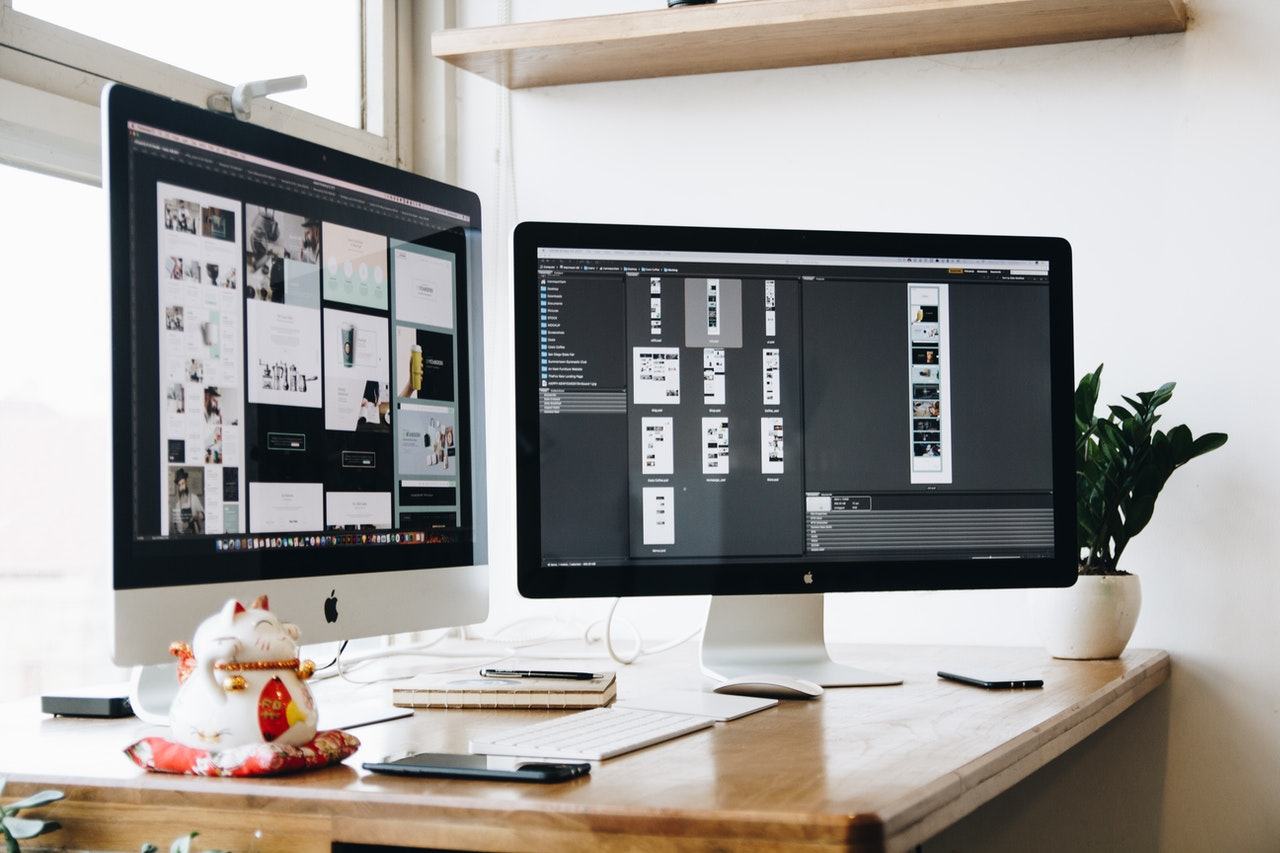
Website template is a page-ready template, made in HTML and CSS, which you personalize with your company's content. It already brings layout, fonts and structure defined, so you can set up a site without starting from scratch and not knowing how to program. Almost every site builder and CMS, like WordPress, works with templates.
Site templates allow you to create and customize a website for your company as if it were a professional designer spending very little depending on the template you want to meet your expectations. A webdesign company can help you choose and customize the ideal template for your needs.
You can get the site you've always dreamed of without ever having to learn any concept about web design.
How is it possible to create a website for my company without having any knowledge? Let's go.
What is site template?
A website template, is a pre-designed web page or a set of HTML web pages that anyone can use to “insert” the information necessary for creating your company’s website.
Normally built with HTML and CSS code (CSS is used for layout and font styles), site templates, allow anyone to configure a website without having to hire a professional developer or designer, although many developers use site templates to create websites for their customers.
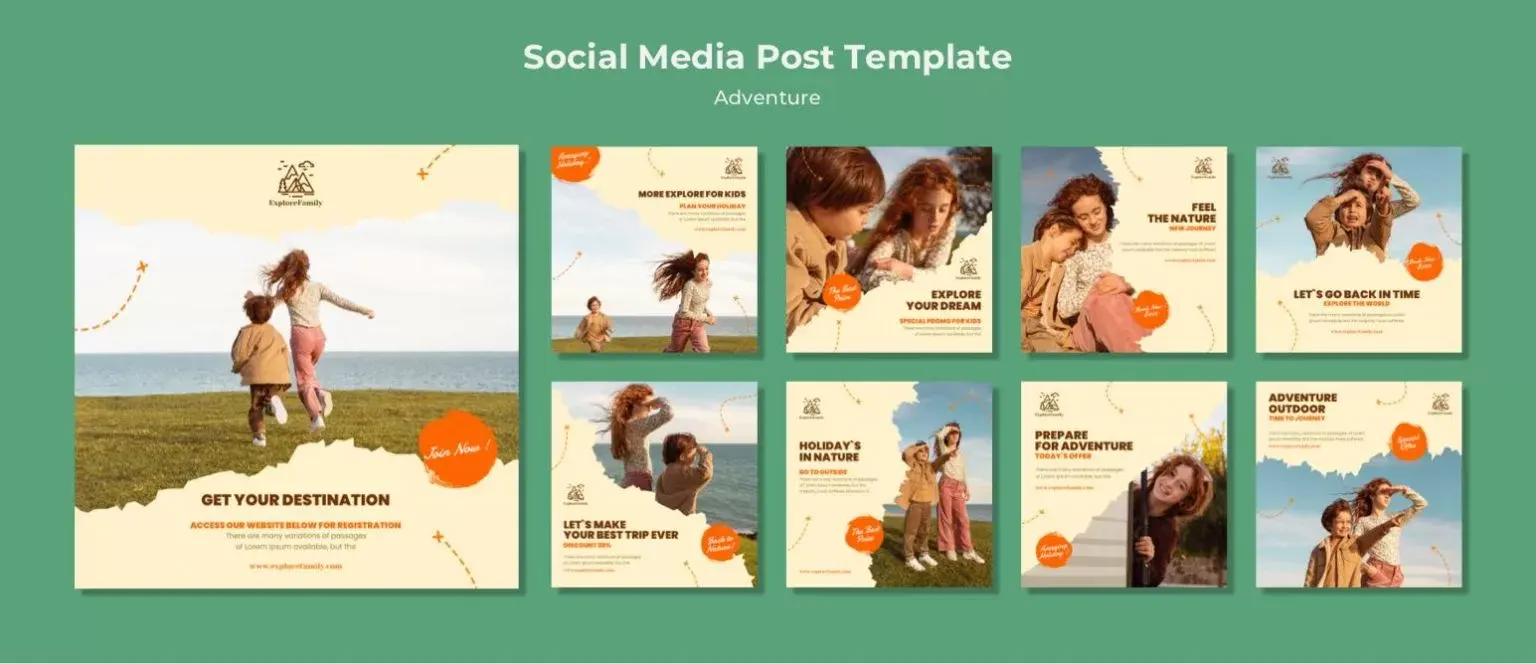
This allows anyone to create a personal or commercial website, which can be listed in the search engines so that users can search for their specific product or service.
Website templates are used by virtually all site builders and content management system (CMS) platforms. They are ready-made sites that can be used in the state where they are or can be customised according to what your company needs.
Some models are designed for certain types of sites (such as a magazine/journal or an online store) and others simply place special emphasis on specific design specifications.
How the site template saves your time
The templates of WordPress site for example, they are also called themes or website models, and are often developed with popular web design trends, allowing you to create a modern and aesthetically enjoyable site with much more ease.
In fact, this is one of the reasons behind WordPress's popularity. Visit any website WordPress ( more than 50% of the sites currently are built with WordPress, i.e. there is much to choose from) and it is very likely that one, if not most of these sites, has been taken from a template.
Not everyone knows how to program, but almost everybody wants to be able to build a website. That's why models are so important.
What to take into account in creating a website template for companies?
Web page templates can be self-contained zip file downloads or part of a web platform. They can be responsive, adaptive or static in design or configured specifically for mobile devices.
The file extension may be .html .htm .php or .asp. In all cases, they will be built using html code and css. If it is labeled “responsive”, the layout will be flexed in width to fit on the display screen of the specific device, always take into account these statements to choose the template for your company’s website.
With the vast amount of different models available, you may wonder how hard it is to choose the ideal model for your company or sometimes try to create a custom model alone. The money and process behind the creation of each template can surprise you, and can be divided into six categories:
Search: One of the most basic parts of creating a new template, is conducting research on interface patterns and website trends. There is a reason why sites have the look they have, and it's very important to know that point so you can implement when choosing the template for your company. This also changes in relation to the niche, for example: doctor's website, site for lawyers, etc.
Prototyping – The final design of a website is really determined at the beginning of the process. After the search is completed, the type of template that will be used, is very important for the final result of your company's website, i.e. choose it carefully at the beginning of the process.
Design – Even before a single line of code is written, the design is chosen for your company's template. This also requires a deep knowledge of trends and how a site will face the passing of time, so choose carefully.
Front-end encoding – When coding finally begins, the focus is on the front end. Developers create models that follow the form of original research, prototyping and design, so you can choose a template that better meets expectations for your company and services.
Back-end encoding – Once a front-end is established, developers transform static HTML code into a fully functional website. This is where the prototype becomes more important, because it is used as a scheme to indicate the function of a site.
Quality assurance – After a template is completed, it must be tested by quality control engineers to ensure that it works as intended by the original researchers and to be used by your company in the best possible way. This final step is very important because this may mean that customers will remain satisfied with their theme during use.
To choose a template for your company, you must take into account all the considerations, and the services that your company provides to make it very clear on the template for your customers.
Choosing a website platform
At this point, you should be wondering how to choose a website platform that works best for you. Depending on the service you choose, your options for using a template will vary dramatically.
For example, WordPress site templates can be selected on the WordPress website or uploaded through a third party provider. If you choose to use a template from a third party developer, there are some extra steps that you will need to follow, which we will discuss later. Templates can be changed at any time, so you don't have to worry if you decide that what you choose now won't work for you later.
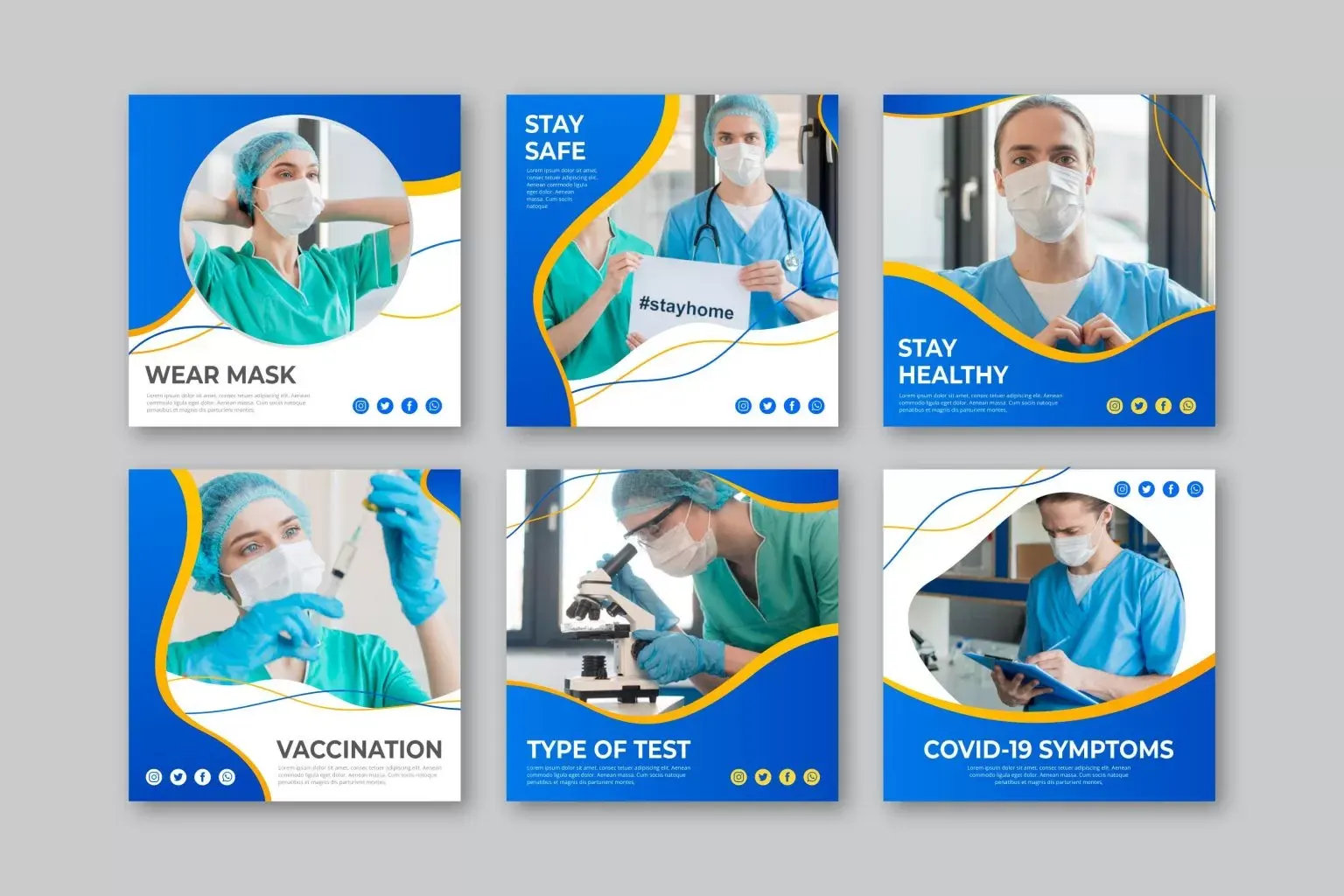
Wix, on the other hand, you do not have the option to change template later. . This is something you should keep in mind when choosing the hosting/building service of your website. With Wix, you will get only one template per site. If you want to use a different template, you will have to make a whole new site. You will also be limited to using Wix proprietary models. There is no upload of a third party site at the moment.
Other platforms, such as Joomla, generally offer users the ability to choose templates from third-party sites or their own service. Make sure you do a lot of research before diving and choose a site construction site.
Selecting the correct website template for your company
The best part of building your own website is obviously to choose a model that works best for the type of site you would like to build.
First, you need to decide what the purpose of your website is. Whether you're a company, a journalist or an independent designer. Consider what you want your website to do for you. This will affect the appearance of your website and the types of features you want in the selected template.
Take a look at the websites of your competitors or colleagues so you can get an idea for your website template. How are they designed and structured? You can get some design ideas by taking a look at similar sites and comparing how they match the kind of view you have for yourself. For references to your market, see also our pages of sites by sector of activity.
Then you should consider whether you want to pay for the template of your website or if you prefer to search for free site templates. Free is not always a bad thing, when it comes to creating websites, you will always find a template that meets your expectations and those of your company.
When you use a website builder like Wix, you certainly want to save time to choose a template. Remember that Wix will not allow you to change your template later, so it is absolutely vital to make sure you find the best template possible before diving deep into the design of your website.
WordPress and third party templates
Choosing a template on the WordPress platform is as easy as clicking on what you want.
What if you want to choose a third-party model?
This will depend on whether you are using WordPress.com or WordPress.org. . If you are using WordPress.com on the free plan, you will not be able to use third party templates; in our Plans paid, it is possible to upload themes. The same principle applies to the use of extensions.
WordPress.orgHowever, it will allow you to install and customize as you wish.
When you find a template from an alternative provider, just download it to your computer. So while viewing your WordPress site through the appearance guide or main panel, you can simply choose the template design file that you downloaded and load it directly on the site.
Why do you want to select a third party template? You may be having trouble finding a template you like on WordPress site. This is not an unusual problem, especially if you have a very specific view of how you would like your site to be displayed. Some of the basic WordPress templates, are not always compatible with extensions or can be customised easily.
It's always a good idea to check third party templates, at least to get an idea of the potential options when choosing the best option for your own website.
Template or layout of your own: how we work at WebSyd
At WebSyd, the Express Website is part of a template, and custom WordPress sites use a theme made from scratch. For Caio Nogueira, co-founder of WebSyd, the site with template is good for small businesses because it is more economical, gets ready faster and then can evolve to a better website. When the company needs an exclusive brand identity, features, integrations and more complex features or a more premium look, the indicated is the customised one.
Free or paid templates?
Should you always choose free site templates or are there times when you should consider paying for one?
It's your choice, but there are some things you should consider.
Are you in love with a certain appearance or experience of a website?
In this case, it may be a wise decision to pay for a specific model if it fits well with your initial vision of how you would like your company's website to stay.
You may also want to consider the fact that you will normally have the ability to customize your site as desired. There are many free templates out there (especially if you're looking for third parties) and it may be possible to find something that works for your company without paying a penny.
Again, you must consider your needs. Search hard and, if possible, test or view multiple templates to see which ones best match with the purpose of your site and its goals for what you would like it to be and do your website.

There is no right or wrong answer when it comes to which template to use. It's all about how you view your website and what you want it to do for you.
Take your time and be open to try new templates as needed. The key to making a website template work for you is to see how it meets the needs of your site and your company.
Adaptative Design
In recent years, the number of different devices used to access the internet has grown. From desktops to tablets, smartphones and everything else, there is no compliance in the size or use of the device. This does not mean that your site cannot meet all users, however.
The concept of adaptable design is very direct. When implemented, your site layout will conform to any screen size on any device. This is obtained through different means, the main being responsive websites and mobile sites.
Responsive sites adapt to changes in screen size automatically. This means that the same site is served to all users and conforms to the space in which it is displayed.
What can a website template include?
Text images and .jpg, .png or .gif and animations, shopping carts, contact forms, dynamic image galleries and slideshows, a link page for PDF download and video players (including embedded Youtube movies) are just some of the features that can be integrated into a template when choosing the right one for your company.
Web template designs and codes vary widely from supplier to provider, so when selecting a web site template, you will want to make sure that it already includes the functions, scripts and applications needed for your web development project. Text, photos, scripts and third party plugins can be added to ready pages. The stock images included can be replaced by the user's own .jpg images or edited as required by the project.
The choice of template for mobile site design provides visitors with basic information
Cellular sites, are versions of your web page that are also accessed on mobile devices, so it is also important to choose a template that makes your company have a good design on these devices as well.
These sites may have a simpler layout and more limited functionality of your desktop equivalents, so it is important to choose the most important elements in the mobile user template. This may include instructions for the store, phone numbers and general information.
Basics of site layout
Most sites follow a standard layout, with which users get used to and wait. It is rare to find a site that does not follow this basic design in such a way that you always look for a template for your company's website that follows this basic pattern:
Header
The header of a website, is a bar that stays at the top of the site and usually contains the main tools you need to navigate from one page to another, including a search bar, links to the main pages, a blog and even contact information.
If you have a logo, it is usually displayed in the header and normally has the dual purpose of being a start button on which users can click to return to the home page of your website.
Body
The body is the part of the site that changes from page to page. It occupies more space and displays all the content contained on each page. Look for templates that show a body of website that you realize is ideal for services and matters about your company.
This can vary from image galleries to blogs and anything between them. By adding pages to your website, you will only be changing the body.
Footer
Similar to a header, the footer of a site is a bar that runs through the bottom of a page.
Footers contain information such as copyright notices, contact information, newsletter entries and anything else important enough to be on all pages, but not important enough to be featured in the header.
A website template will allow you to customize these three basic elements easily.
The right website template can make the content of your site shine, create a great user experience and make you look like a real professional. So, what are you waiting to create your company's website with a beautiful template?
Do you like our content and want to create a professional website? Click on the button below and ask for a quote with WebSyd quickly and simply!

FREQUENTLY ASKED QUESTIONS
What's a website template?
A website template is a pre-designed web page that allows users to create and customize a site for their company without the need for advanced design or programming knowledge.
How to choose the best template for my company?
When choosing a template, it is important to consider the purpose of your website, the specific needs of your company and whether you prefer a free or paid template. In addition, evaluate the ease of customisation, adaptive design and features offered by the template.
What are the steps involved in creating a website template?
Steps include search for interface patterns and website trends, design prototyping, design selection, front-end and back-end coding, and quality assurance to ensure the template meets user needs.
What is the importance of adaptive design in a site template?
The adaptive design ensures that your site is displayed correctly on all devices regardless of the size of the screen. This is essential to provide consistent user experience and ensure that your website is accessible anywhere.

Caio Nogueira is a SEO, GEO, link building and Digital PR expert and co-founder of WebSyd, website creation agency and SEO consulting founded in 2016. It acts with organic search strategies, digital authority construction and brand optimisation for search engines and artificial intelligence platforms. Throughout his trajectory, he participated in more than 1000 projects involving SEO, website development, content marketing and authority acquisition through backlinks and Digital PR. At WebSyd, it participates in the planning of strategies to increase organic visibility, lead generation and presence of companies on Google and AI-based search engines. As an author, it publishes content on SEO, GEO, website creation, link building and digital authority, sharing analyses, strategies and practical experiences related to organic growth of companies. Its contents and contributions have also been published in companies and vehicles of technology and marketing such as Wix, HostGator, Duda, Neil Patel, Locaweb and E-Commerce Brasil.
View all posts


 Estimate the cost

